How to know where a Lightroom preset is saved to share to others? Supposed you found an awesome Lightroom preset installed in your LIghtroom program, and you wanted to know where is it saved in your local drive, here’s how to find it out.
How to use a Lightroom Preset? Whether you just installed a Lightroom preset or made your own, here are the steps to use an LR preset already installed in your Lightroom.
How to Create Your Own Lightroom Preset . Making your own Lightroom preset allows you to re-use the same treatment that you did with one photo to many photos in the future.
Adding students information in Pictavo Portrait Database has all the information needed for a student such sa the firstname, lastname, grade level, etc.
Snipping Tool: To capture or ‘taking photo’ of your screen How to ‘take a photo’ of the screen you are using if you do not have a separate camera with you?
Making folder and subfolder in Google Drive It is a good practice to organize our files and folders in a meaningful way so that we know where to get our files the next time we need it.
Image Behind the Text, Darkening the image in Google Docs Be sure to select the image first to see the Image Options button.
How to insert an image in Google Docs using Search the Web You can search for stuff on the Internet without going away from Google Docs.
How to join Google Classroom using a class code? There are three ways where you can join a Google Classroom: class link, class code, email invite.
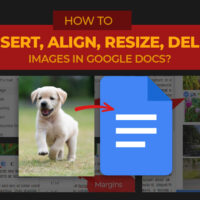
Inserting, aligning, resizing, and deleting images in Google Docs This post will teach you how to insert, delete, resize, align images in Google Docs.
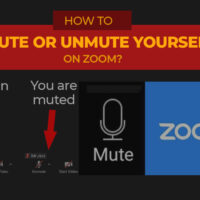
How to Mute and Unmute yourself on Zoom? Learning how to mute and unmute yourself on Zoom is an essential basic skill when joining a class or meeting online.
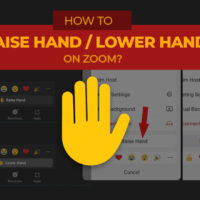
How to Raise Hand and Lower Hand on Zoom It is a good manner to wait for the host to call your name first before you start talking.
Pixlr E: Sliced Text effect using Polygonal Lasso Tool The main meat of the sliced text effect starts on Step 4 where the text is added and turns into a rasterized layer.